Mobile recharge
Top up Afghan mobile numbers, review the final amount, and keep every receipt in your wallet history.
Explore rechargeRecharge Afghan mobile numbers, send money, fund your wallet and scan supported QR codes—all from one secure Android app that lets you review every detail before you pay.
Available for Android from the official Google Play Store
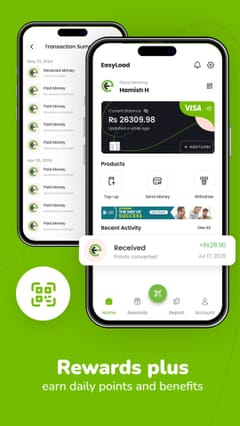
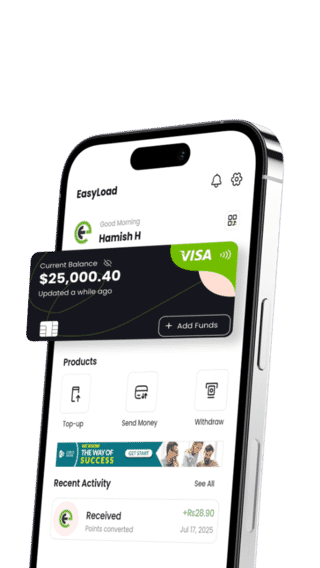
Choose what you need, see the important details before confirming, and keep a clear record of your wallet activity.
Top up Afghan mobile numbers, review the final amount, and keep every receipt in your wallet history.
Explore rechargeSend supported transfers with recipient checks, status updates, and a clear confirmation screen.
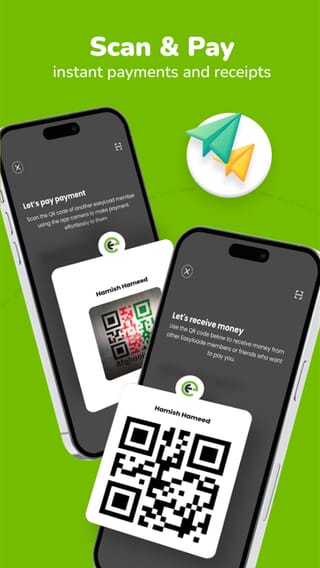
Send moneyScan supported merchant QR codes, verify payment details, and confirm from the official app flow.
Choose wallet funding methods shown in your account and follow in-app instructions, limits, and timing.
Payment methodsEarn eligible points, invite friends, review point history and convert redeemable points through the secure app flow.
Explore rewardsIdentity checks, private verification codes, and transaction review help protect everyday payments.
Security guideEasyLoad is an Android wallet application for people managing supported digital-payment tasks connected with Afghanistan. The app brings together mobile recharge, wallet transfers, QR payment flows, funding choices, activity history and support. Features can depend on the account and current provider connection, so the choices displayed in the app are authoritative.
Start with the service you need, then use the live app to see what is available for the account or recipient. For mobile recharge, the entered number determines which operator products are returned. For funding or crypto activity, use only a method, asset and network shown in the current flow.
Before authorizing an action, compare the recipient, amount, currency, operator, product, network and any applicable fee shown on the review screen. If a detail is unexpected, return to the previous step instead of confirming or guessing.
Activity history and transaction references help identify an attempt after submission. A pending result is not the same as a failed result, so avoid repeating an action until the first attempt reaches a final status.
EasyLoad is designed for senders, recipients and account holders who want clear transaction details before they act. Mobile recharge guides explain how to verify an Afghan number and select a displayed product. The transfer guide explains recipient and quote checks. Payment, EasyCard and crypto guides explain the safety checks that apply to each funding method.
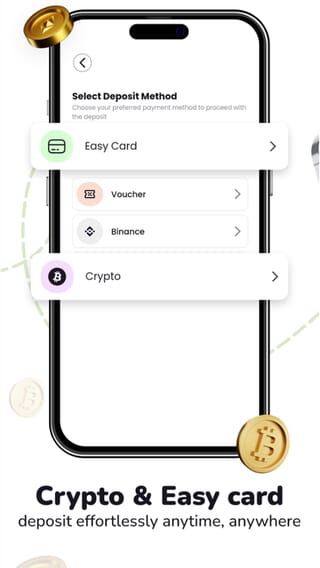
EasyLoad accepts supported crypto deposits for wallet funding. Use available funds to buy crypto, recharge a mobile, send money or withdraw to a supported bank account, with rates and fees shown in the app. Buy crypto and pay with crypto
Account protection is shared between the service and the user. Use the official app, protect the phone, keep passwords, PINs and verification codes private, and review every sensitive action. If a status is unclear or an account action was not expected, use EasyLoad help with the transaction reference and non-sensitive evidence.
EasyLoad puts the actions you use most within reach and gives every important payment step room to be checked.
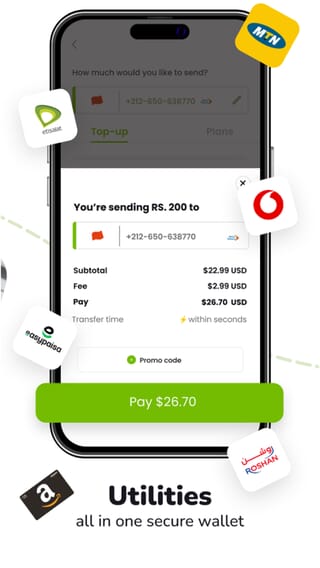
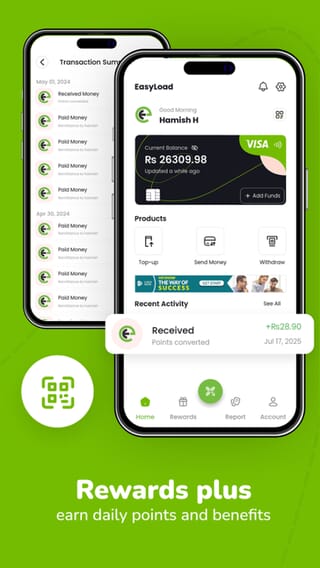
Service availability depends on account, location, verification level, and the latest options shown inside EasyLoad.
Where supported, pay eligible services and keep the confirmation with wallet activity.
Redeem supported EasyCard codes or purchase available digital products through the official app.
Use only funding or withdrawal methods shown inside EasyLoad for your account.
When promotions are active, eligibility and value are displayed before you participate.
EasyLoad never asks you to send funds using instructions from an unofficial social-media account. Use only methods displayed in the app.
Each user action has a purpose: verify identity, choose a supported service, review the details, then track the result.
Open EasyLoad on Google PlayRegister with your details, protect your credentials, and complete required identity checks.
Select the available funding method, recipient, QR code, or product shown in the app. For recharge, entering the phone number starts automatic operator detection.
Check amount, fees, recipient and reference before confirming, then follow status in wallet history.
Available operators and products are retrieved in the app. Select the recipient number first to see current recharge choices and final price.
EasyLoad combines account verification, protected communication, and transaction checks to help keep wallet activity secure.
Read our privacy policyKYC controls support safer accounts.
Sensitive information is handled securely.
Confirm key transaction details before sending.
Follow completed and pending activity.
Check amount, fees, recipient and reference before confirming, then follow status in wallet history.
Tell us what happened and include your transaction reference if you have one. Never send your PIN, password or verification code.